
Install MTEX and run your first analysis
MTEX runs in MATLAB and in Python, with the same analysis workflow in both. Install it, load one of the example data sets, import your own file, and follow a tutorial for your kind of data.
This page shows MTEX for MATLAB.
This page shows MTEX for Python.
MTEX for MATLAB 7.2.0 · Oct 2026
- Download and unzip mtex-7.2.0.zip
- In MATLAB, change to that folder and run
startup_mtex - Try
mtexdata titanium, thenplot(ebsd) - Import your own file with
import_wizard
MATLAB R2022b or newer, no further toolboxes needed. GND and Taylor computations use the Optimization Toolbox.
New to MATLAB? Step by step →MTEX for Python 1.0.0 · Python 3.12+
pip install "mtex[all]"from mtex import *- Try
ebsd = mtexdata('titanium'), thenplot(ebsd) - Import your own file with
ebsd = importWizard()
Linux, macOS and Windows. The Python version needs no MATLAB licence.
New to Python? Step by step → Import your own data
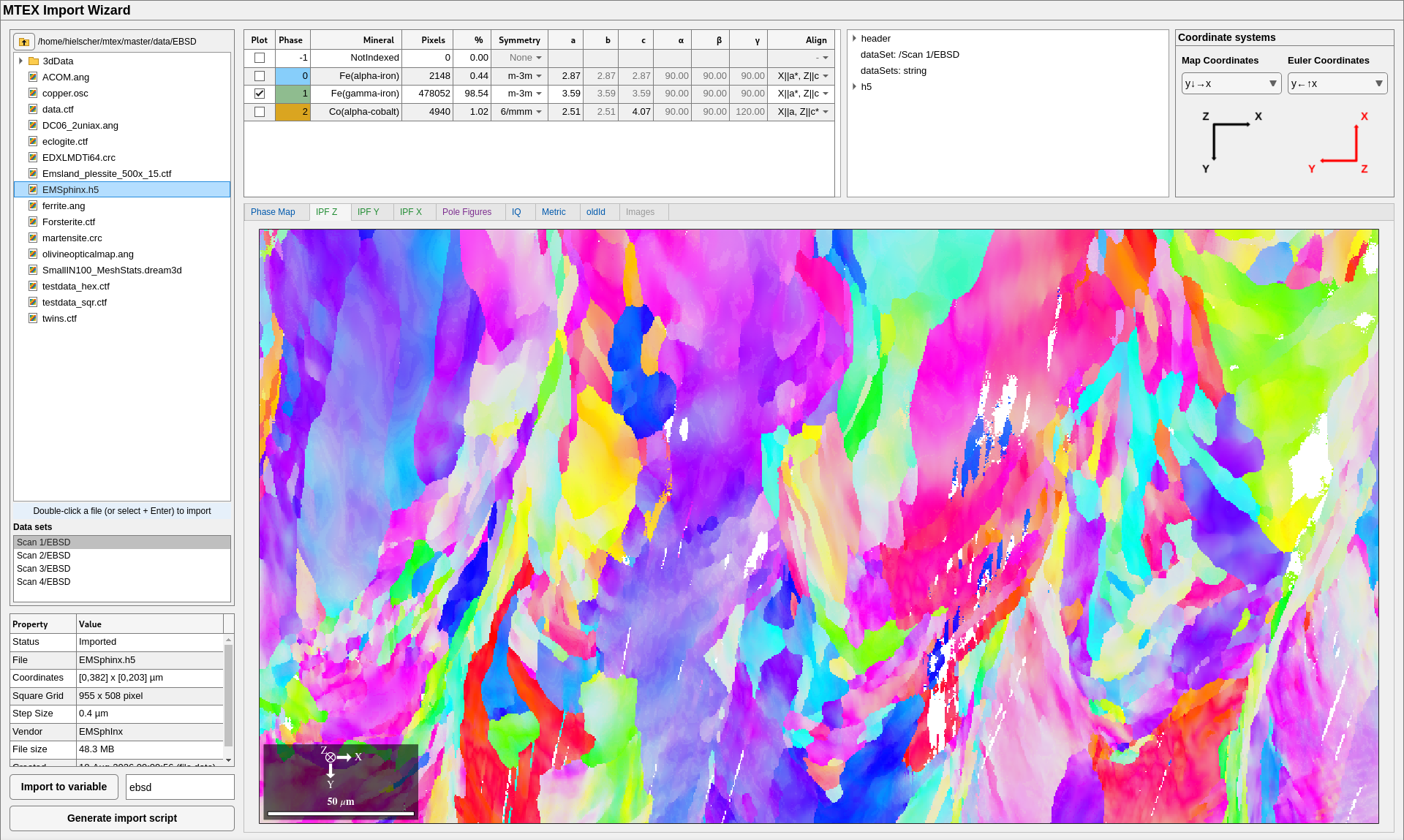
Type this in the MATLAB command window:
import_wizard- Double-click your file in the tree on the left. The wizard reads it and draws the map.
- Check the phase table: mineral names, symmetries and lattice parameters.
- Check the two coordinate systems against your specimen.
- Click Generate import script. The script loads the file without the wizard and becomes the first step of your analysis.
EBSD, pole figure and ODF files of all common vendors. MATLAB R2022b or newer.
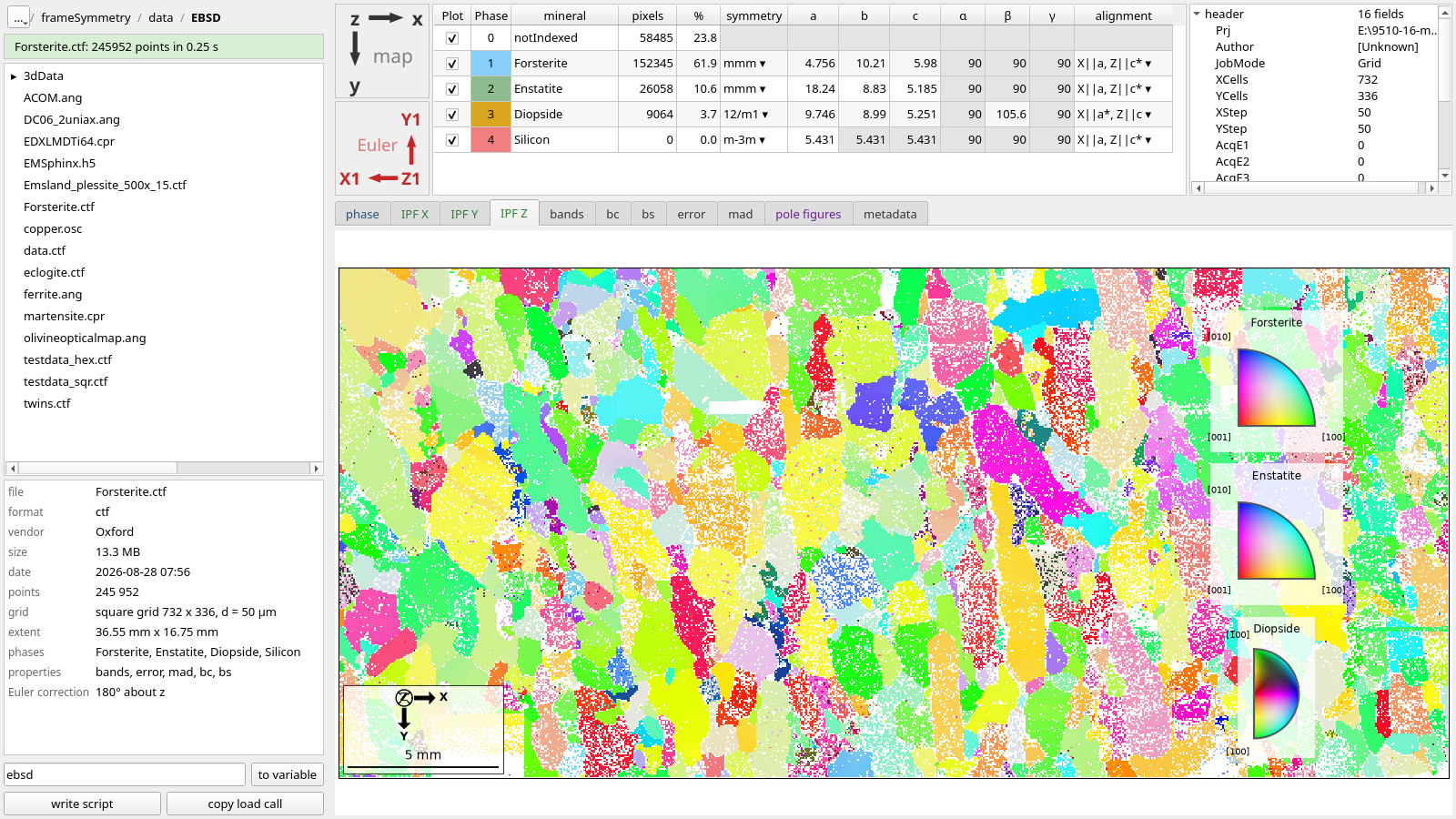
Type this in the interactive window of VS Code or in any Python session:
from mtex import *
ebsd = importWizard()
or, in the terminal of VS Code with (.venv) in its prompt, mtex-wizard; in any other terminal, from the project folder, .venv/bin/mtex-wizard (on Windows .venv\Scripts\mtex-wizard).
- Click your file in the browser on the left. The wizard reads it and draws the map.
- Check the phase table: mineral names, symmetries and lattice parameters.
- Check the two coordinate systems, map and Euler, against your specimen.
- Click write script. The script loads the file without the wizard and becomes the first step of your analysis.
EBSD files of all common vendors. Installed with pip install "mtex[all]".
Your first analysis
Each tutorial follows one analysis from the data file to a result.
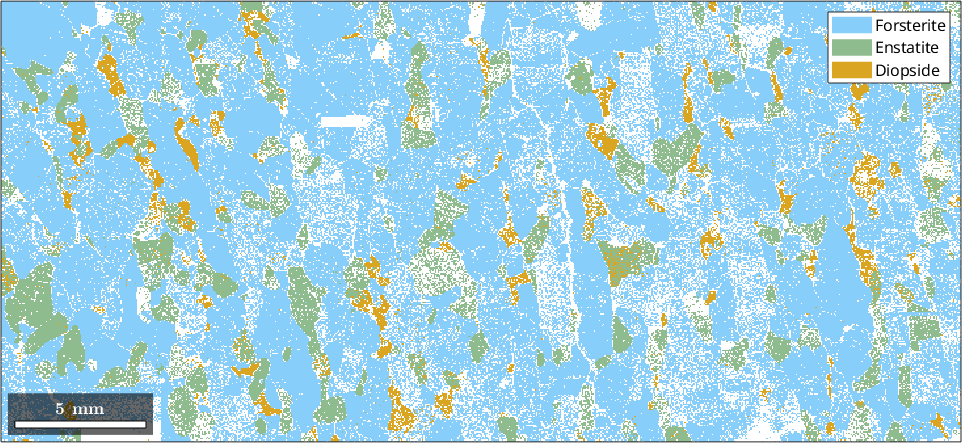
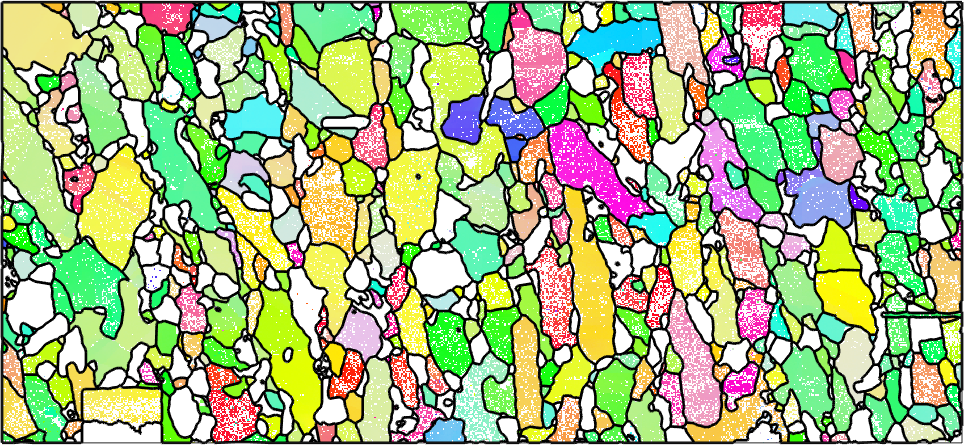 EBSD mapsImport a map, reconstruct grains, and look at boundaries and texture.
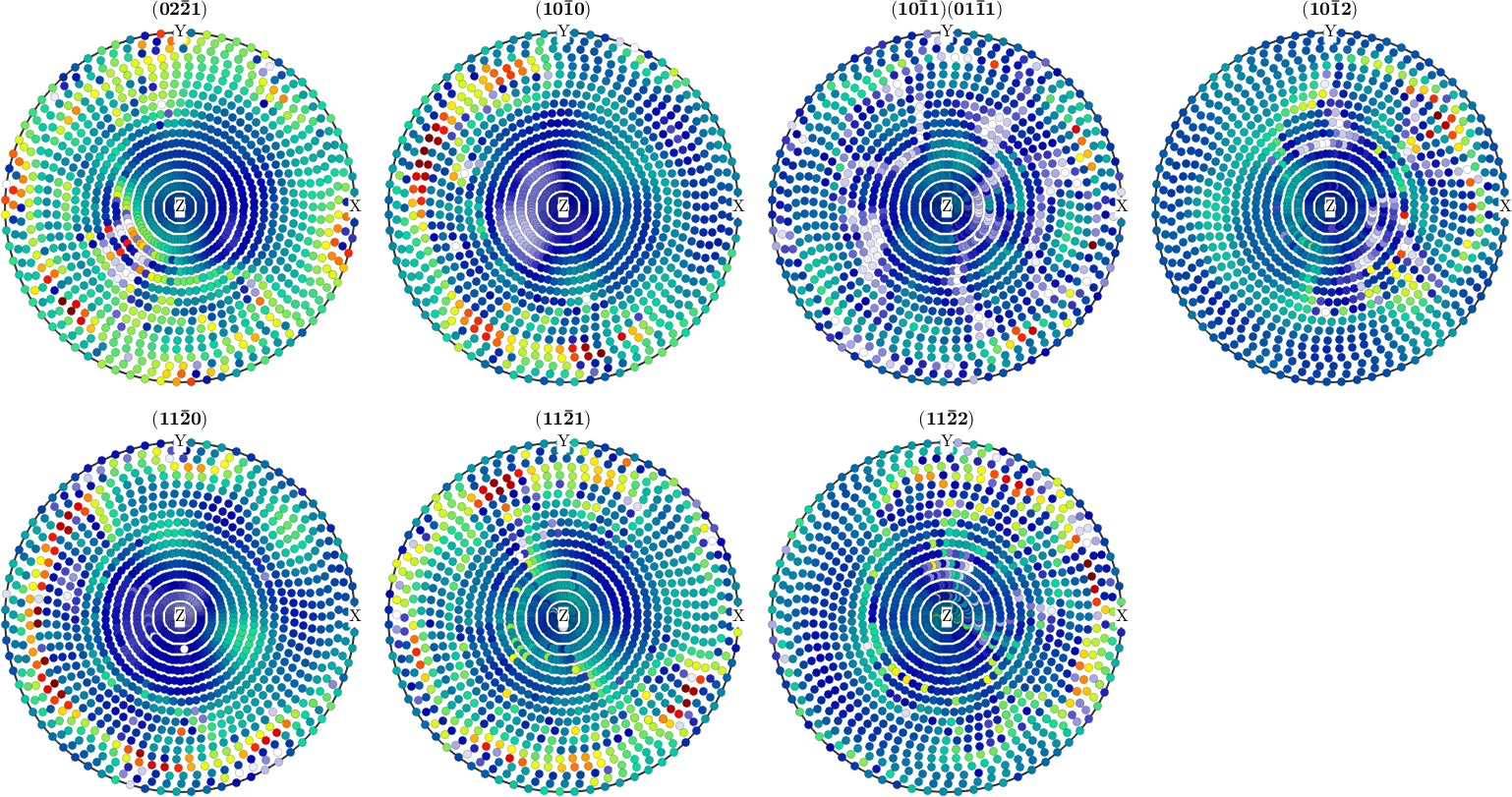 Pole figuresFrom X-ray or neutron intensities to the ODF and its components.
 How MTEX worksScripts, lists, options and properties: the few ideas every analysis uses.